
Press kit
SculptForge for press and creators
Everything you need to write about or show SculptForge: the facts, ready-to-use descriptions, screenshots and logos. All images may be used in coverage of SculptForge.
Facts
- What: a free, open-source digital sculpting application, an alternative to ZBrush and Mudbox
- Platforms: Windows 10 and 11, macOS 11 or later (Apple silicon and Intel), Linux (x86_64 and ARM64; AppImage, .deb, .rpm, AUR)
- Install: GitHub releases,
brew install --cask islandmed/tap/sculptforgeon macOS - Licence: GNU GPL v3.0 or later; no account, no subscription, no telemetry
- Built with: C++20, SDL3, OpenGL, Dear ImGui
- Studio builds: VFX Reference Platform CY2026 and CY2027
- Links: sculptforge.app · source code · changelog · user guide
Short description
SculptForge is a free, open-source digital sculpting app for Windows, macOS and Linux, built to feel familiar to ZBrush artists.
Long description
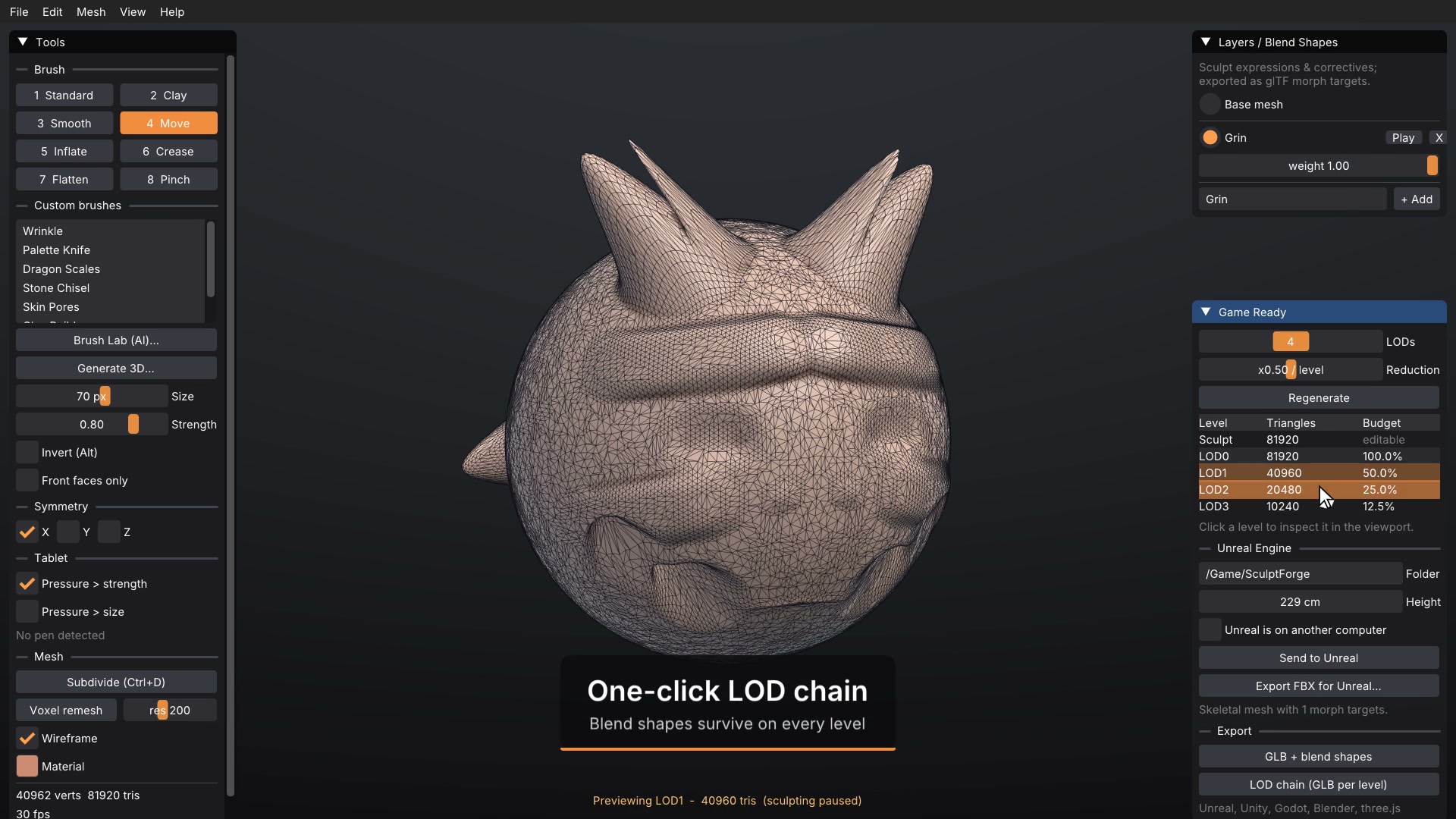
SculptForge is a free, open-source (GPL) digital sculpting application for artists, students and studios. It follows ZBrush's keys and gestures, and covers the whole sculpting workflow: SubTools, subdivision levels and sculpt layers, dynamic topology, voxel remeshing and ZRemesher-style quad retopology, polypaint with layers, normal and displacement map baking, and facial blend shapes. It exchanges models with ZBrush (GoZ), Blender (a two-way bridge), Unreal Engine and OpenUSD, exports STL for 3D printing, and can turn a phone scan or a single image into a sculptable model. It runs natively on Linux as well as Windows and macOS, with builds for the VFX Reference Platform.
Screenshots
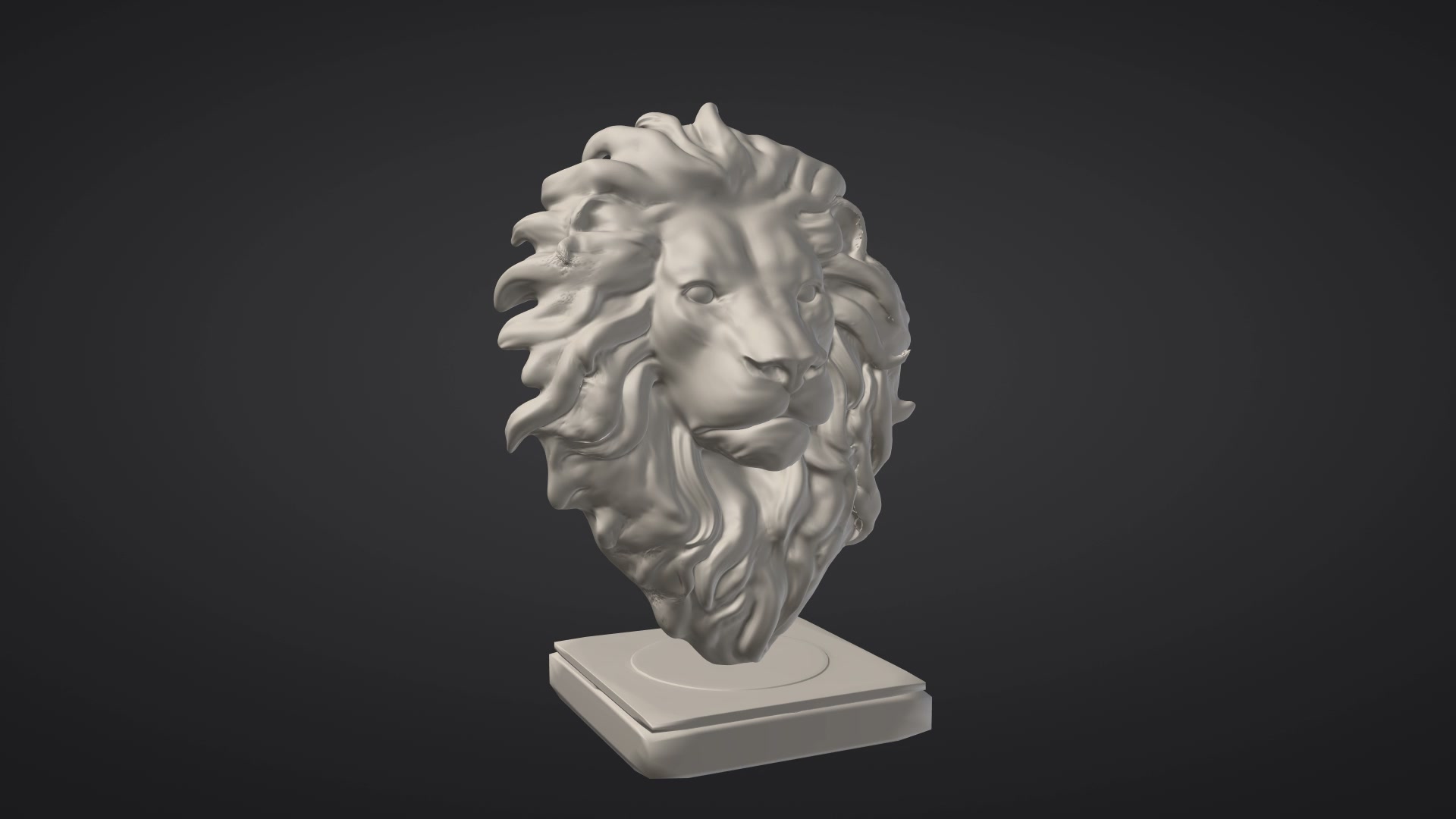
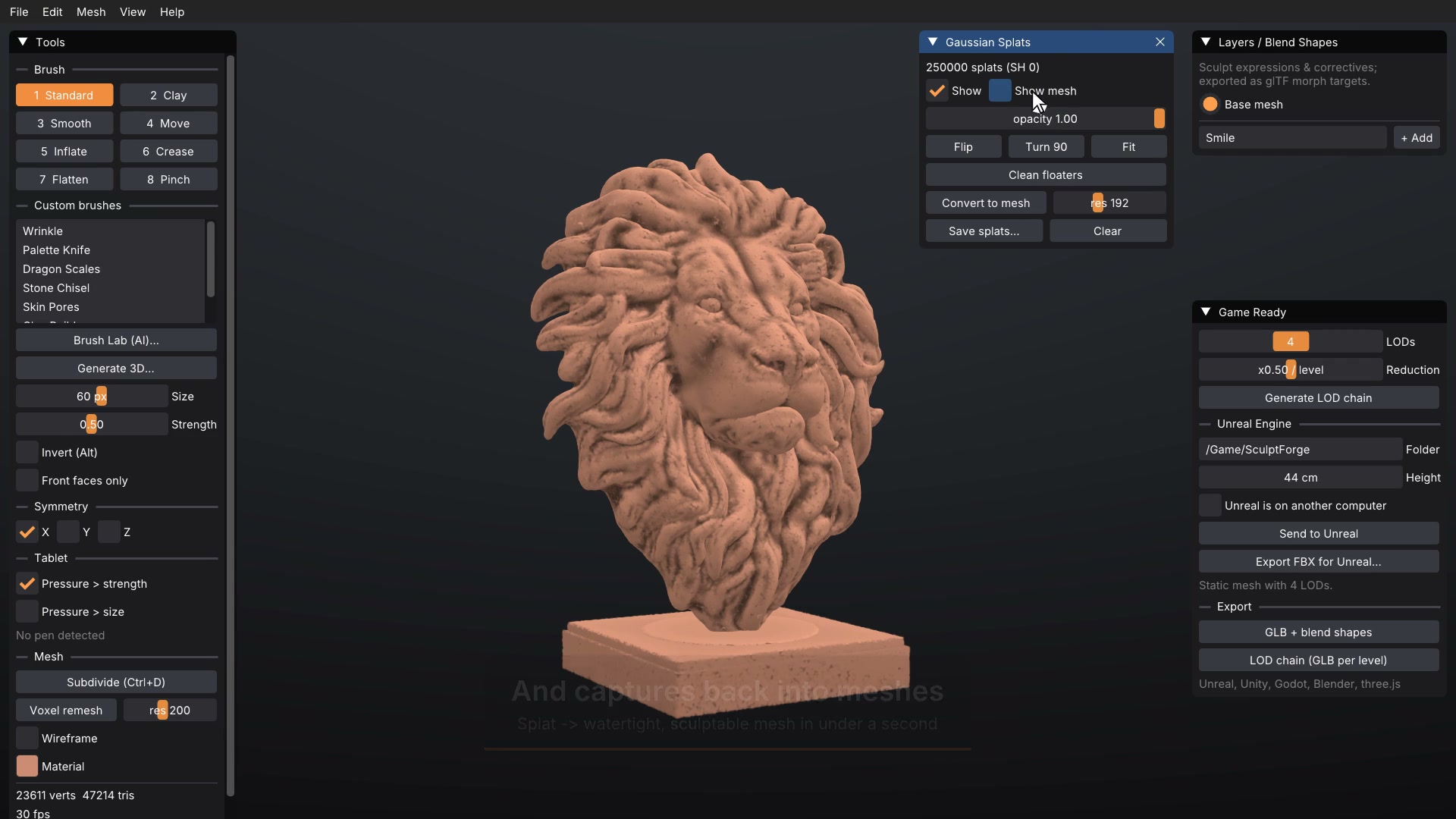
1920×1080. Click for the full-size image.
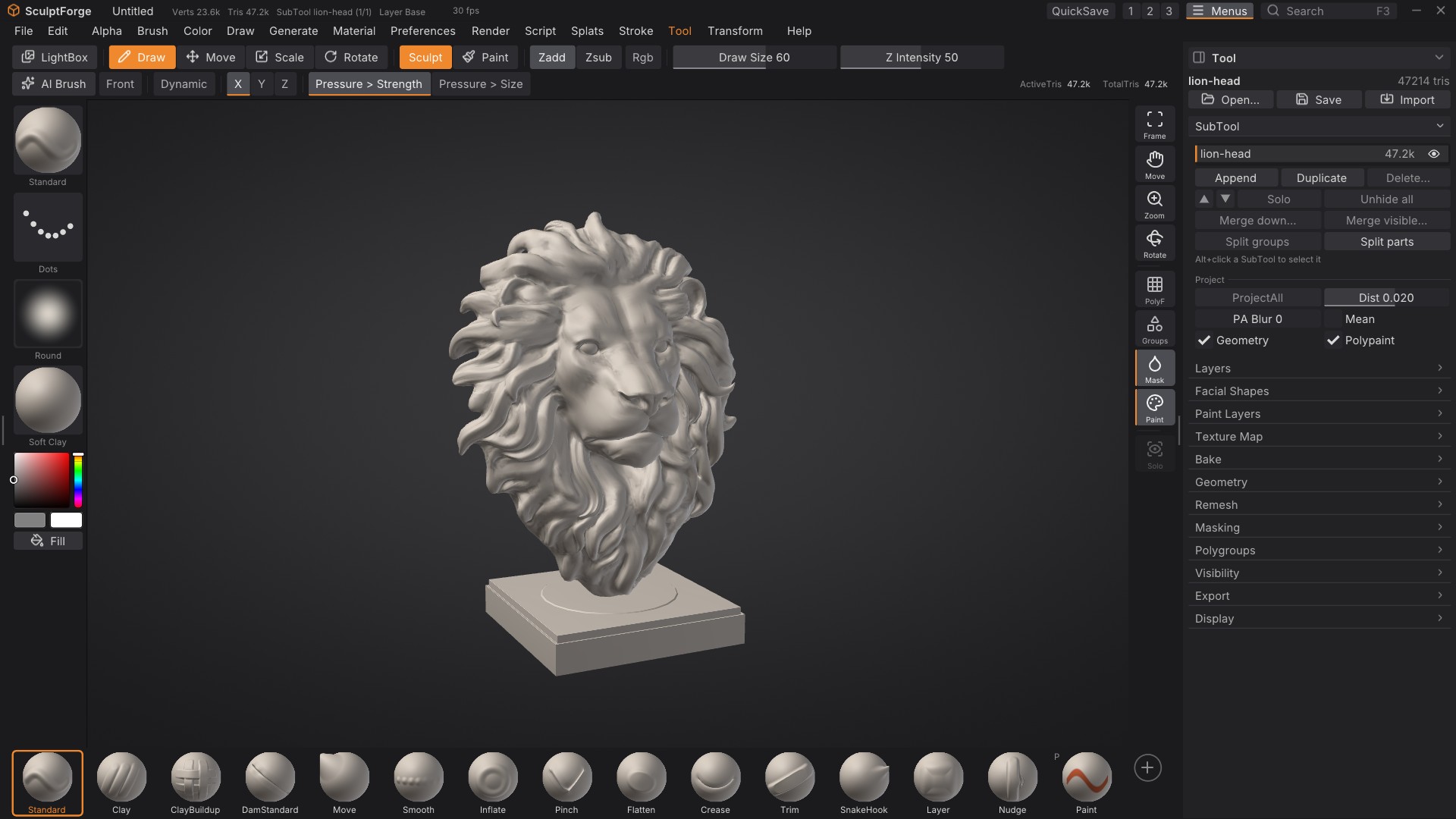
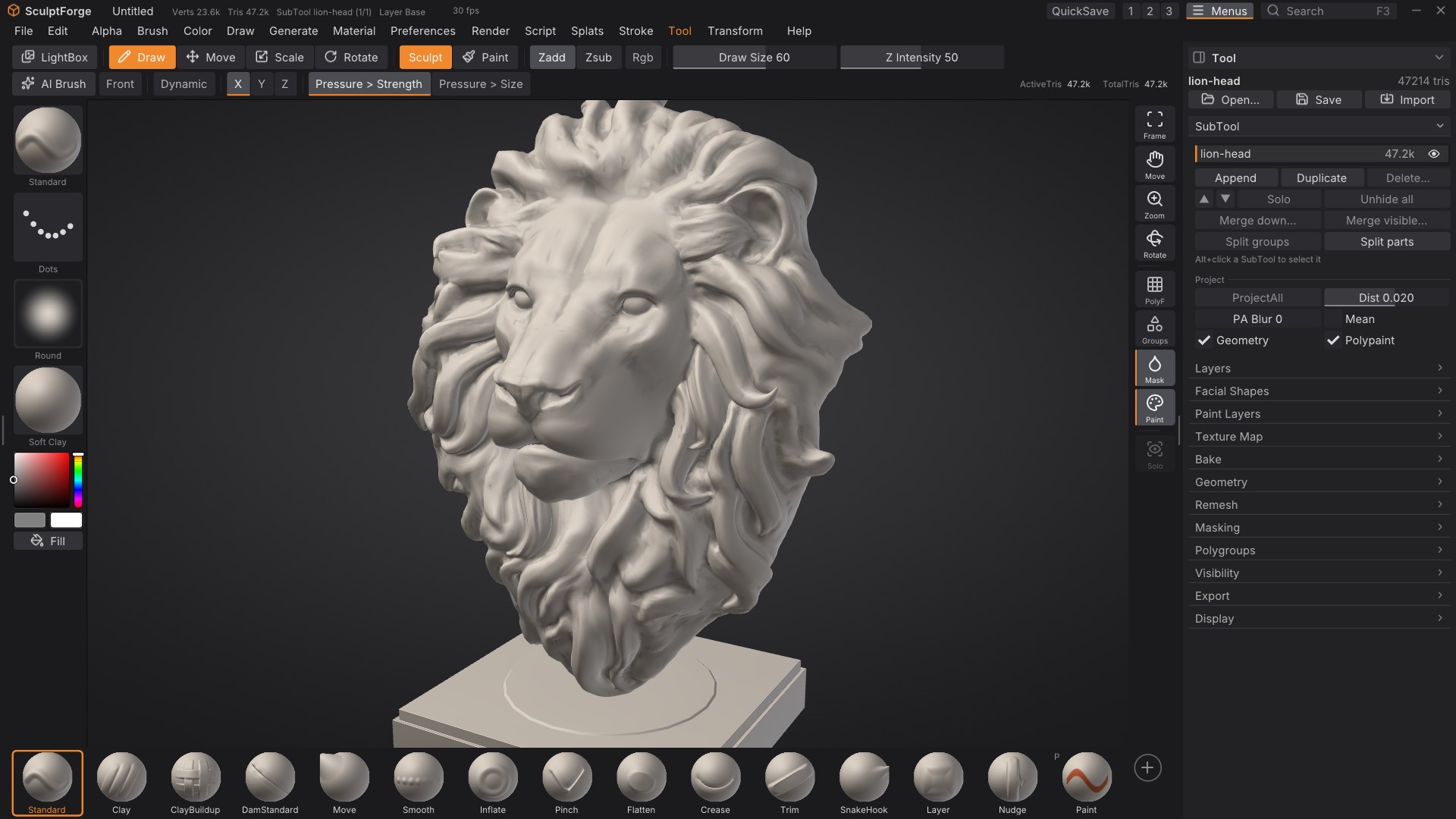
More: showcase, game-ready, phone scan. Videos: showcase, sculpting, game-ready.
Logos


Contact
Reply to the email you received, or open an issue on GitHub.